
Overview
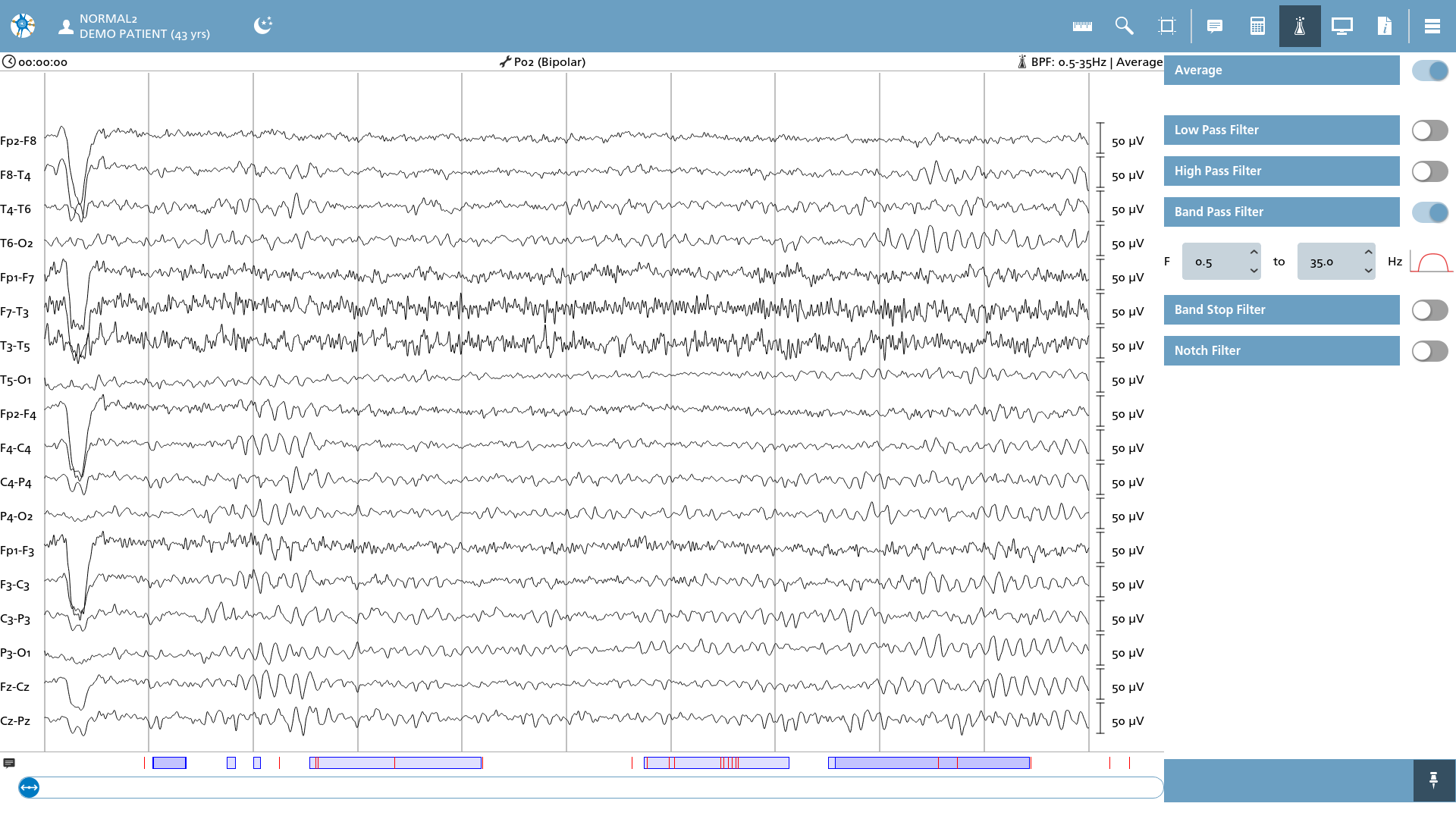
In this overlay, the filters can be adjusted according to the available filter plugins or predefined settings. It is essential to recognize that this screen may differ based on your specific configuration. For further details regarding the available filter plugins, please consult this section in the configuration guide.
Enable Filter
Each filter is represented by an entry accompanied by an adjacent switch. To activate a filter, simply slide the switch to the active position. If additional settings are required, corresponding input fields will be presented, facilitating necessary adjustments.
Timeout
When filters are modified, a one-second delay is implemented to compute the filtered EEG. Furthermore, if the window is resized, the filters will be recalculated.
Filter settings are retained between EEG sessions. This is a global setting that applies to all montages and any subsequently opened EEG sessions.