
Overview
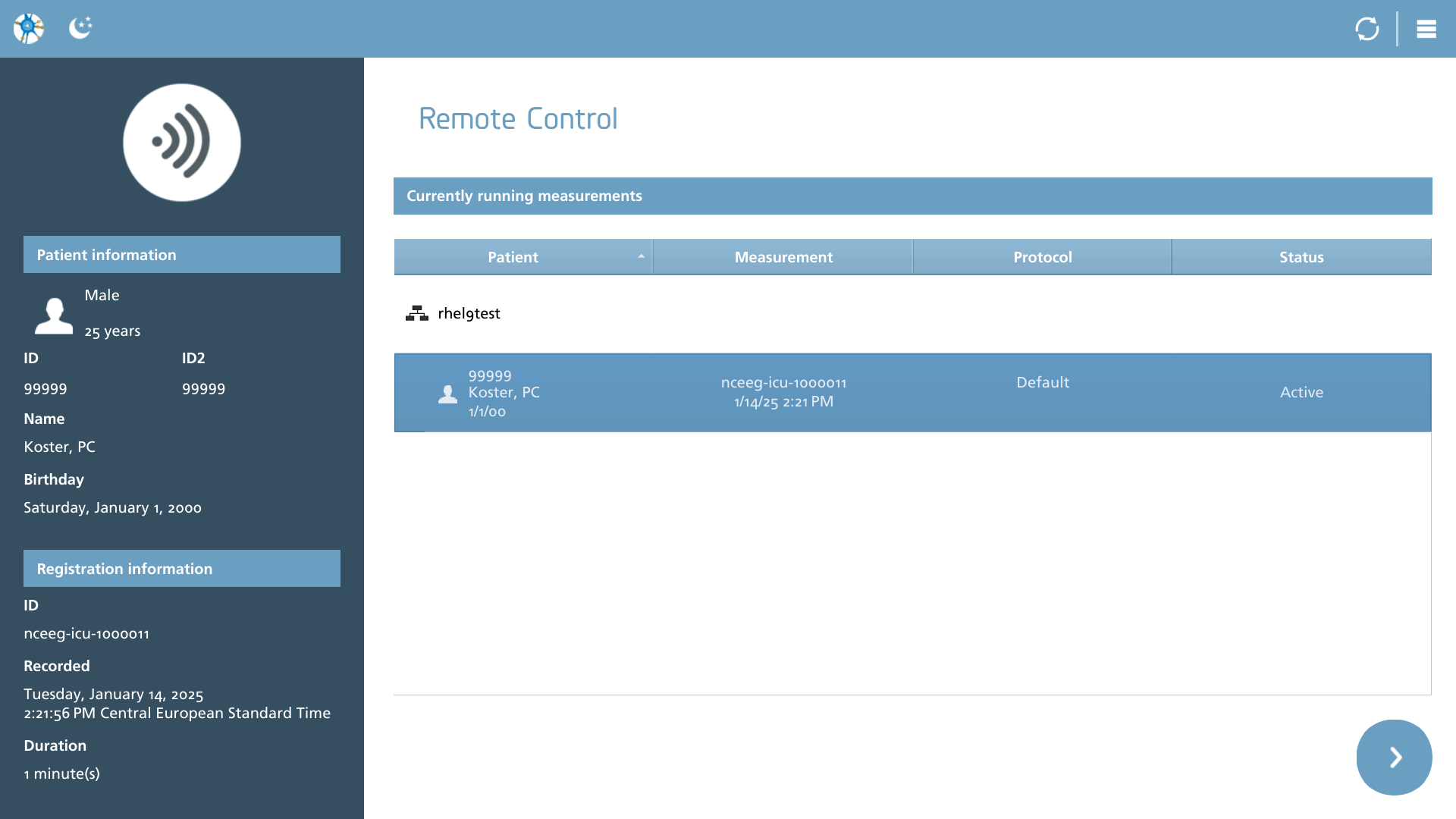
This function is designed to facilitate the monitoring of a measurement that is being recorded in a different location. It is essential for this remote measurement to be connected to a network, which can either be a local network or a cloud-based connection.
It is important to ensure that there is no HTTP proxy server between you and the system you intend to monitor. NeuroCenter® EEG utilizes WebSockets for its internal operations, which may not always be managed effectively by proxy servers. If you encounter difficulties in accessing remote systems and are unable to unlock them, it is advisable to review your proxy settings.
Aligning the software versions of both the recorder and the remote is essential for ensuring a consistent user experience.
Status
The overview lists all available connections with a status indicator. The following statuses are defined.
|
Icon |
Description |
|---|---|

|
Unavailable The system to monitor is offline |

|
Locked The system is online, but locked. Double tap or click on the lock to enter password / pin / otp. |
Once a connection is successfully unlocked, which indicates that either a correct credential has been provided or the connection was not previously locked, the active sessions will be displayed under the corresponding connection entry. From this list, you can select a measurement and proceed to view the current live registration.
Actions
If the list requires updating, simply choose the refresh option from the action toolbar.
|
Icon |
Description |
|---|---|

|
Refresh Refresh the list of available connections. |