
Overview
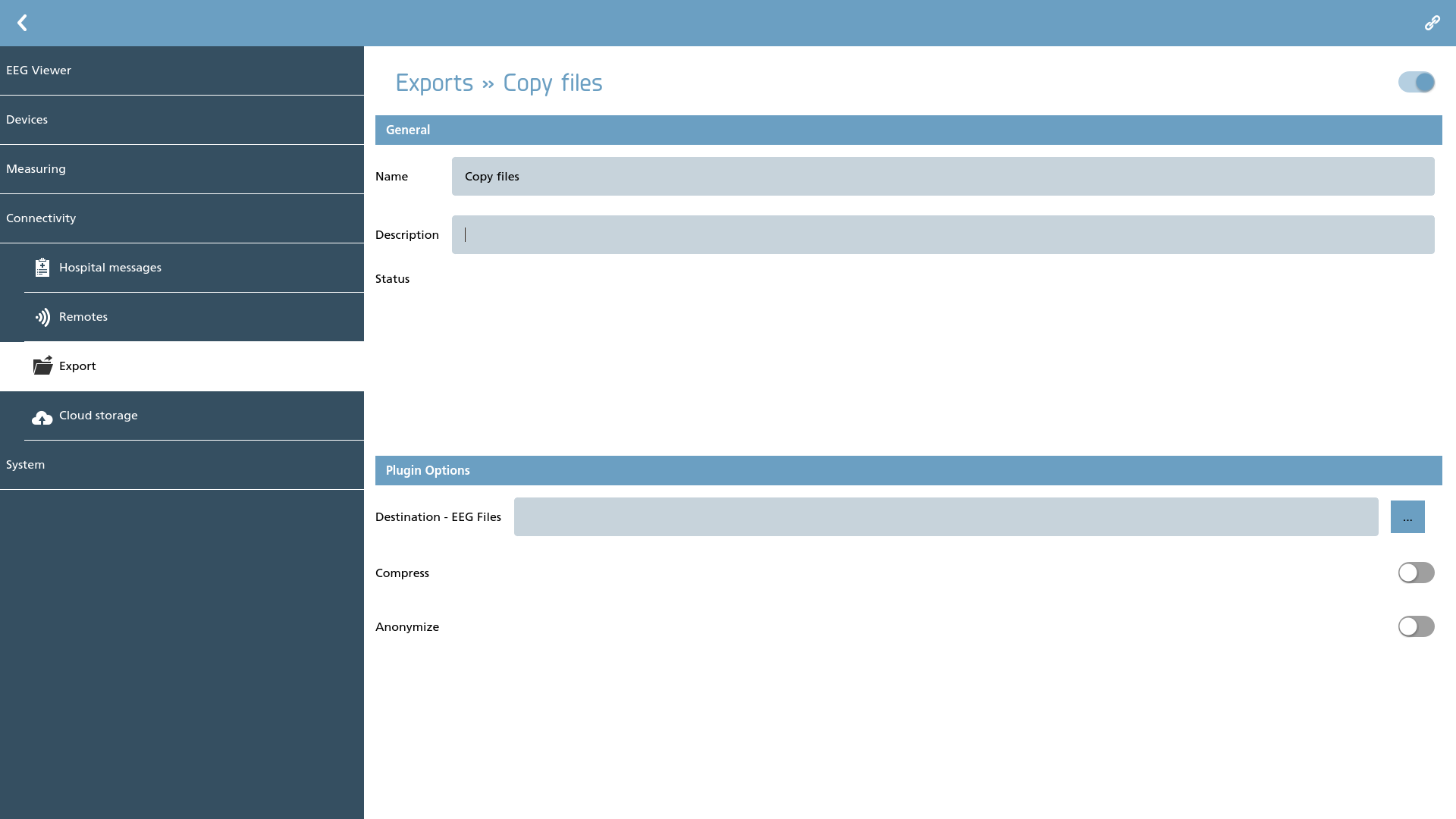
Here we can define export plugins. Depending on the type of plugin utilized, it is possible to export both files and patient information.
Plugins
The plugins delineate the available exports. Some plugins necessitate additional configuration, while those that do not require specific configuration are not discussed further here. Below is the current set of plugins along with a brief description of each:
|
Icon |
Description |
Configurable |
|---|---|---|

|
Copy Support for copying files to an external location. |
Yes |
Copy
For the proper functioning of this plugin, it is essential to select a destination for the EEG files. To do this, click the browse button located next to the input field for the location, which will allow you to choose an appropriate location for copying the files. Furthermore, options for compression or anonymization can be activated. To enable these features, simply slide the corresponding switches.