
Overview
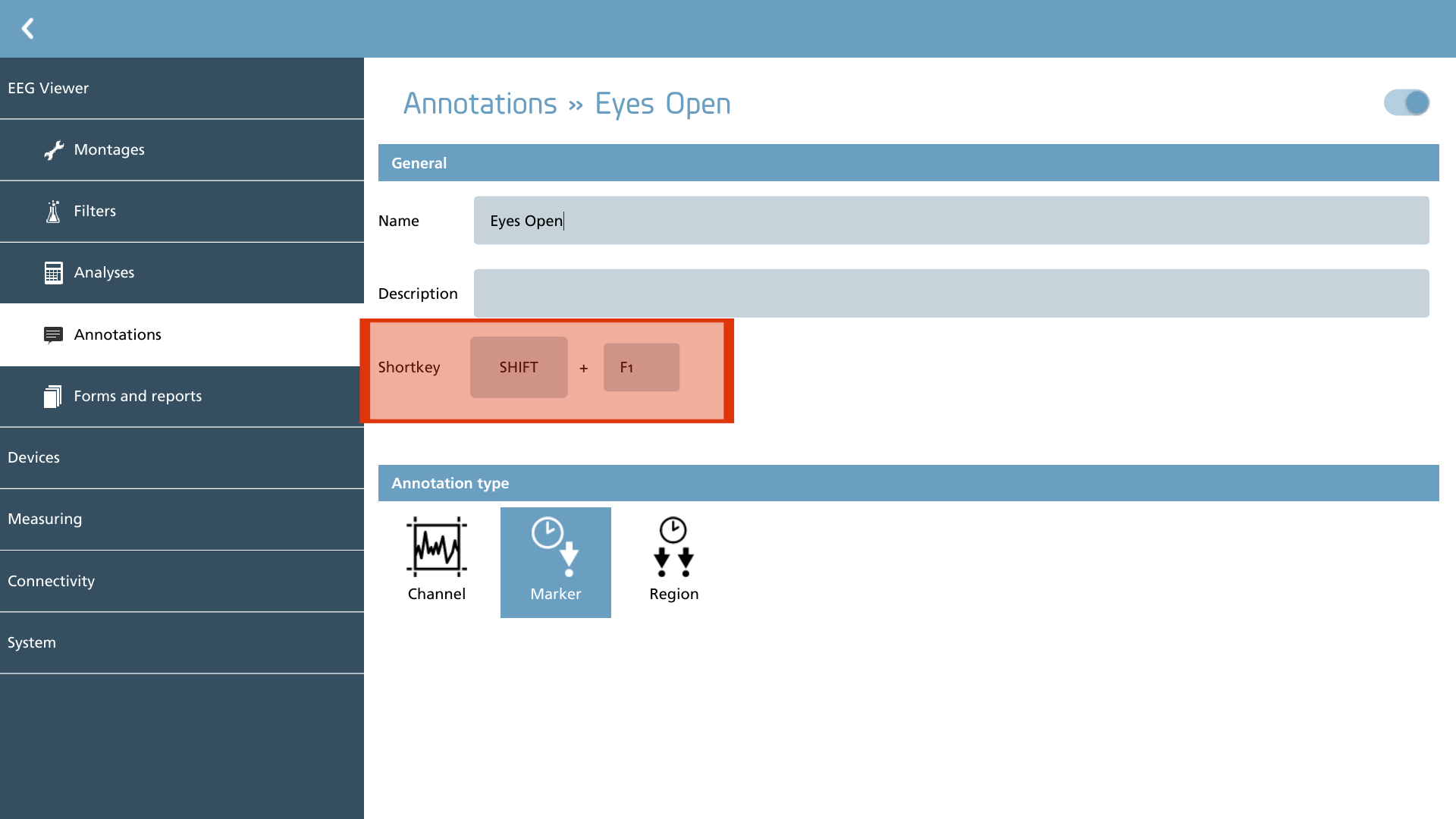
In this section, predefined annotations can be created and modified. These annotations serve the purpose of facilitating quick annotation during the recording and reviewing of EEG data.
A shortcut key can be defined by entering a numeral in the shortcut key field. The annotation can then be invoked using the combination of SHIFT+F1 through F12.
Annotations can be categorized into one of three distinct types, as outlined below.
|
Icon |
Description |
|---|---|

|
Channel Marks a section in one or more channels. |

|
Marker Defines a marker to mark a point in time. |

|
Region Marks a region with a begin and end time. |