
Overview
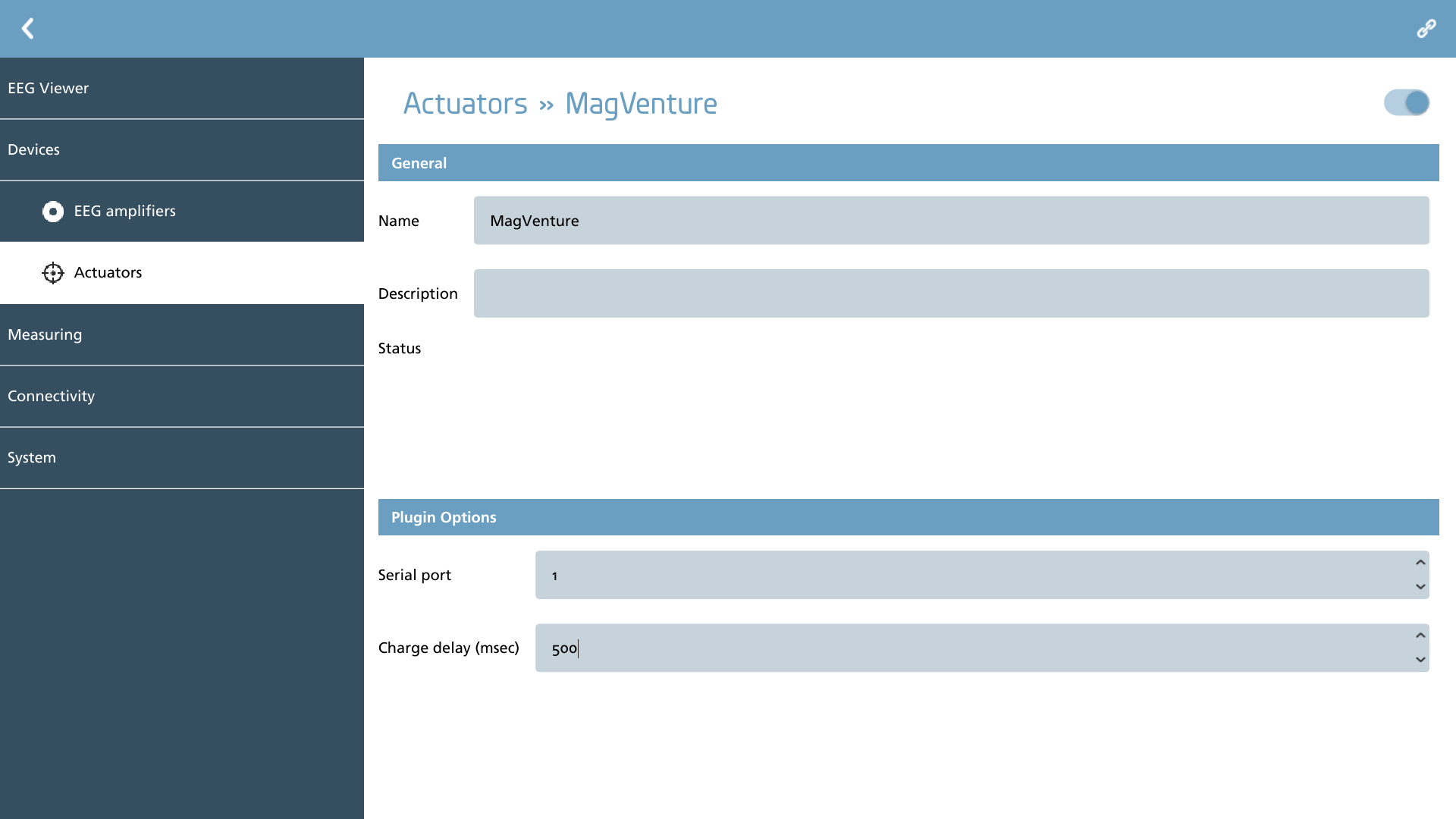
When an actuator is appropriately configured, the connect button located in the action toolbar can be activated. Upon successful initialization of the device, this button will no longer be visible.
|
Icon |
Description |
|---|---|

|
Connect Connect to the actuator with the current settings. |
During the initialization process, the status indicator will reflect the initialization status of the device.
|
Icon |
Description |
|---|---|

|
Initialization started Connection is being initialized to the actuator. |

|
Initialization busy The actuator is active and communication is in progress. |

|
Initialization passed The actuator was successfully setup. |

|
Initialization failed There was an error accessing the actuator. Check your settings and connections. |
Plugins
The plugins serve to delineate the available amplifiers within NeuroCenter® EEG. Certain plugins necessitate additional configuration, while those that do not require specific setup will not be elaborated upon in this context. Below is the current compilation of plugins along with a succinct description of each:
|
Icon |
Description |
Configurable |
|---|---|---|

|
MagVenture Support for MagVenture magnetic stimulator |
Yes |
MagVenture
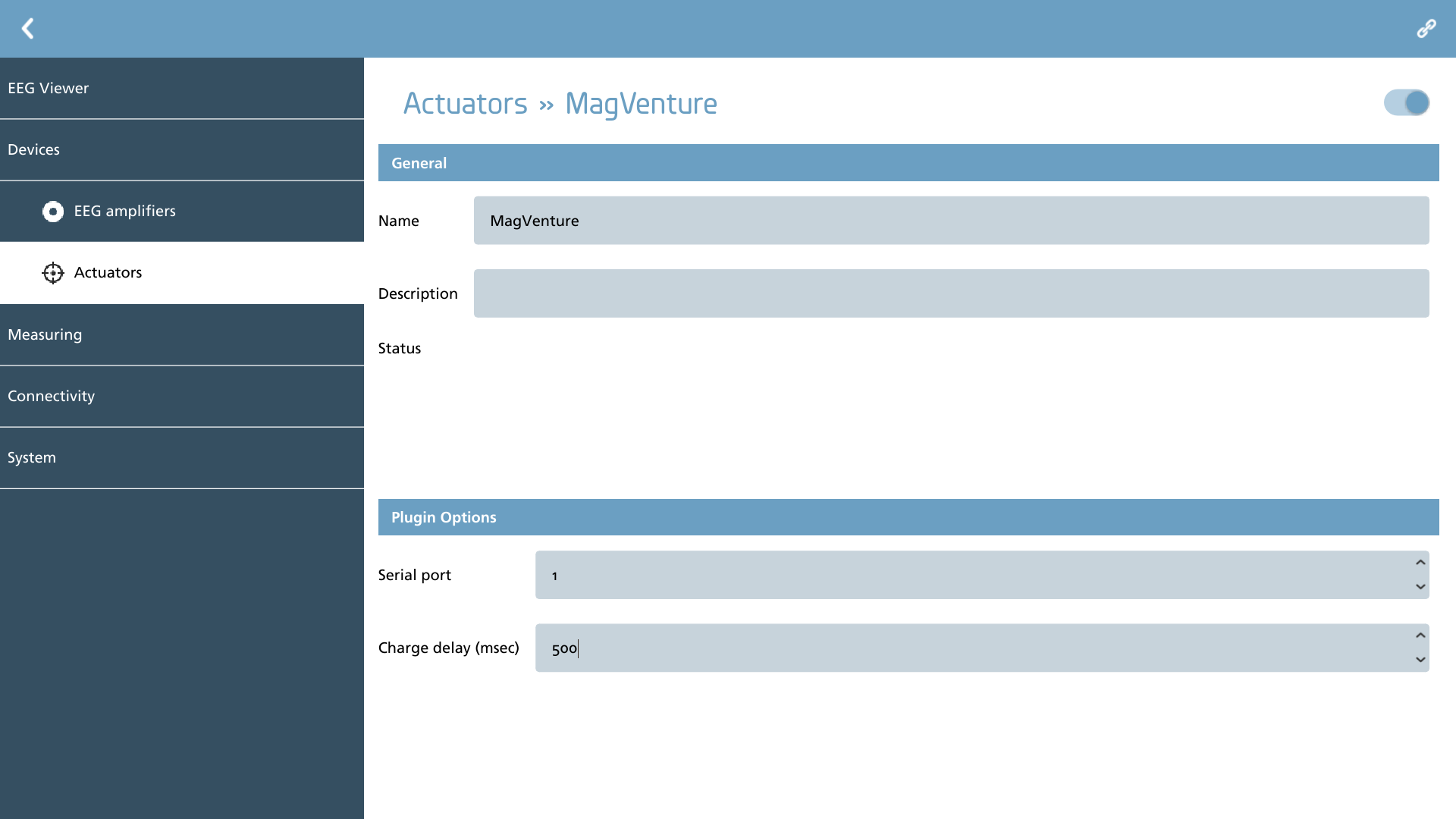
For MagVenture, it is essential to identify the serial port to which the device is connected. It is commonly understood that a USB-to-serial converter is utilized, as most personal computers no longer include legacy serial ports.
Additionally, it is important to configure the charge delay specific to your device to ensure that pulses are not generated when the device is fully charged. The appropriate value for this setting can be located in the user manual of your device and typically ranges between 500 to 1500 milliseconds.