
Overview
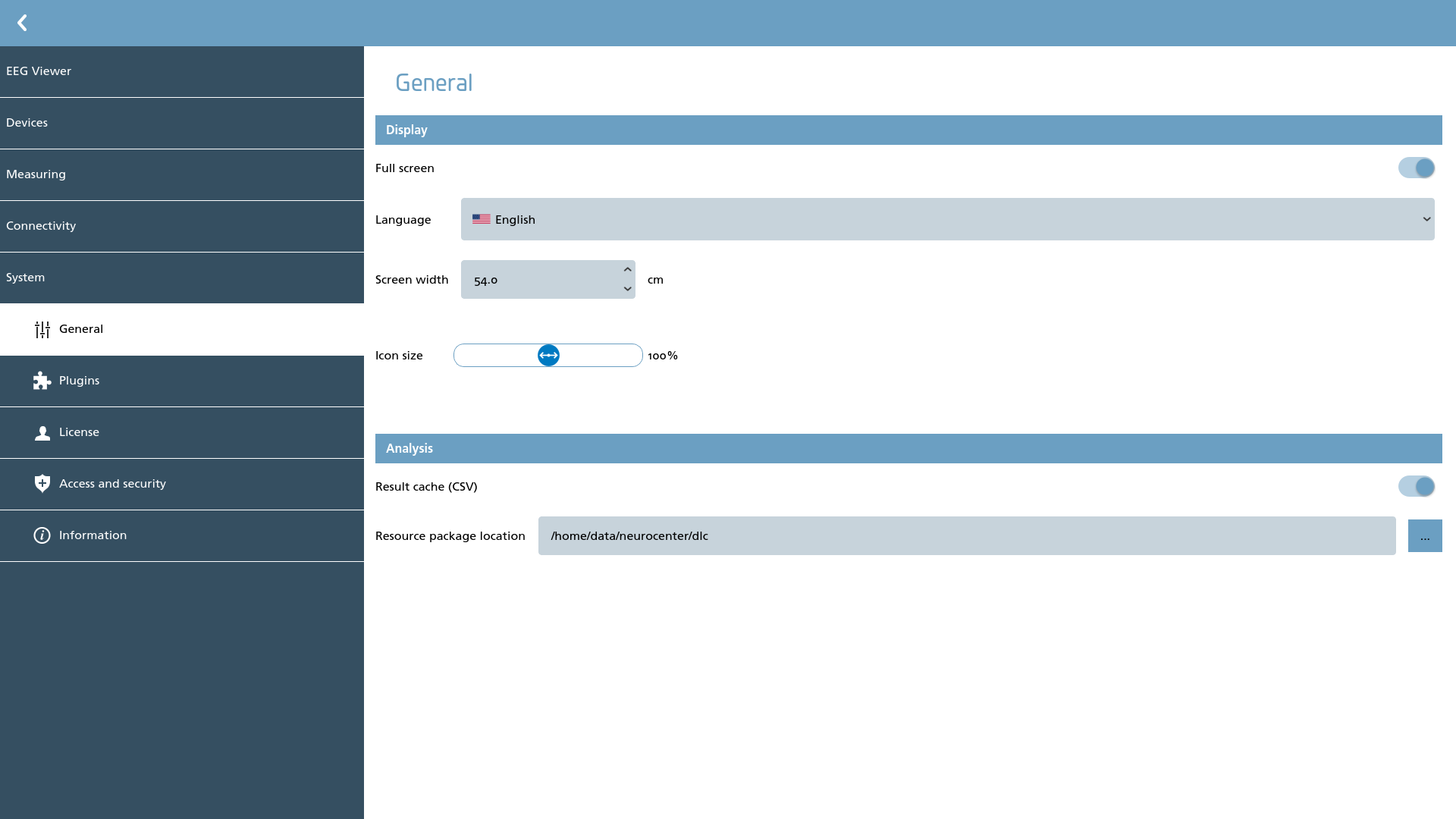
Several general NeuroCenter® EEG settings can be configured within this section:
-
Opt for full-screen mode for NeuroCenter® EEG instead of windowed mode;
-
Choose the preferred language for NeuroCenter® EEG;
-
Specify the screen width in centimeters to accurately represent cm/sec viewing intervals;
-
Adjust the relative icon size as a percentage;
-
Activate the analysis cache, which will also generate CSV files adjacent to each analyzed file;
-
Select an alternate location for downloadable analysis resource packages.