
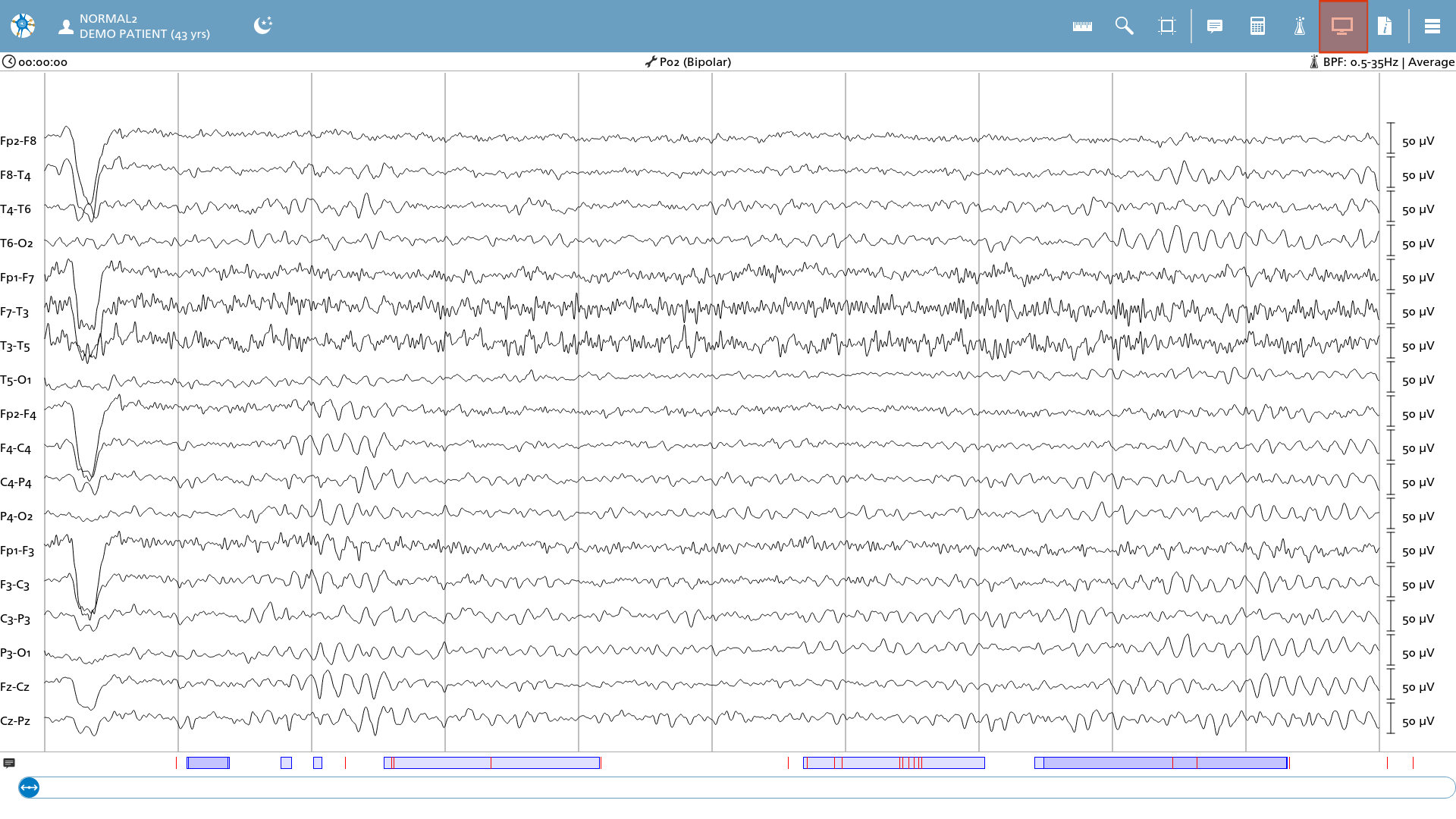
Once the electroencephalogram (EEG) is displayed, the viewer settings can be adjusted to suit individual preferences.
Sensitivity and toggling channels
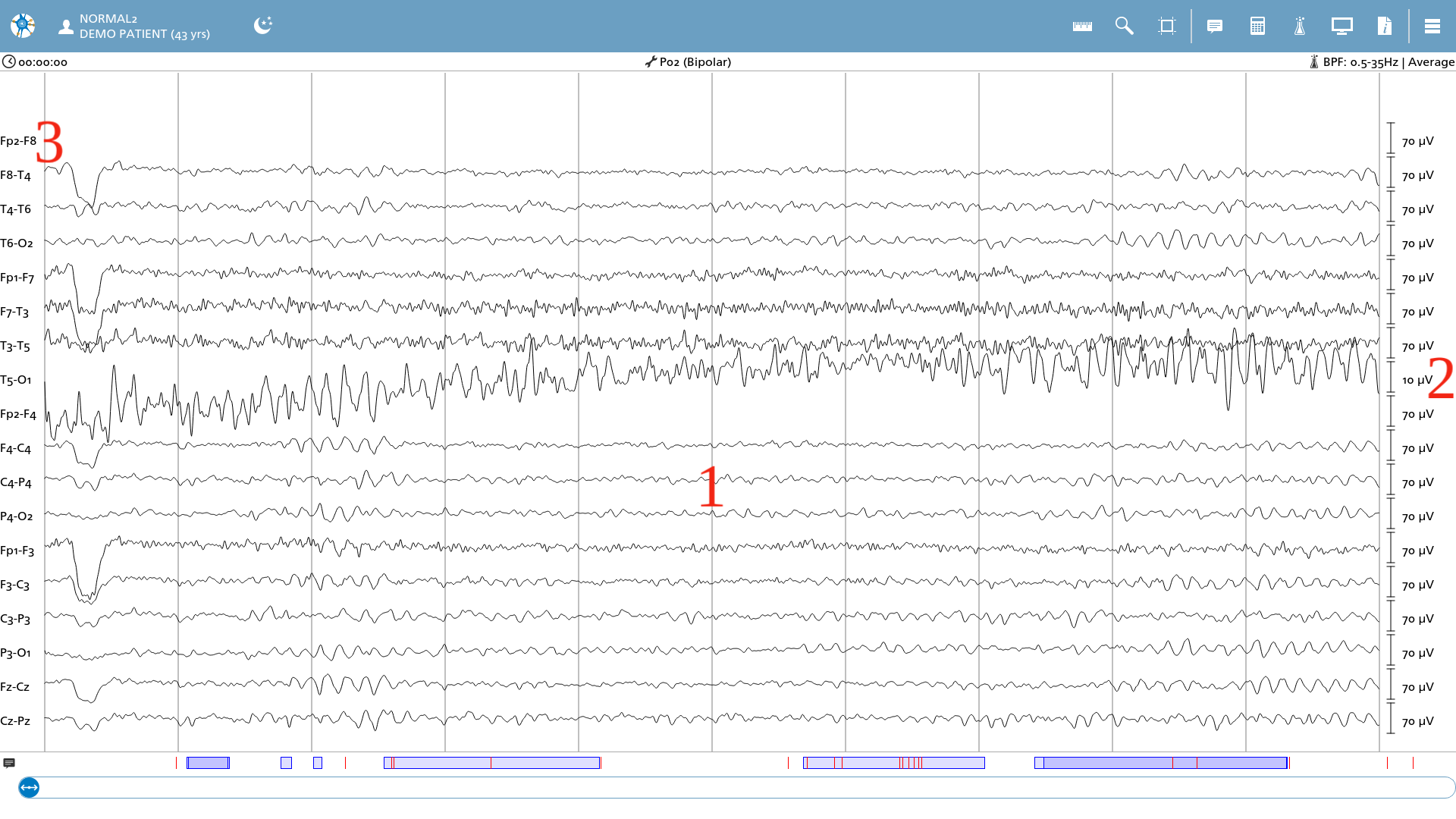
If one wishes to modify the sensitivity of the channels, it is possible to utilize the mouse wheel or perform a pinching gesture on touch screens to adjust the overall gain of the signals. Should an individual channel necessitate a distinct sensitivity level, one can scroll over the specific sensitivity label located on the right side. In instances where a channel requires deactivation, one may click on the montage label on the left side to toggle between enabling and disabling that particular channel.
-
Scroll in the viewer area to increase the gain to 70uV;
-
Scroll on individual channel T5-O1 to decrease the gain to 10uV;
-
Disabled both channels containing Fp2 by clicking on the labels.
Interval and montage
To modify the interval, one must access the display settings by selecting the monitor icon located in the upper right corner of the icon list.
|
Icon |
Description |
|---|---|

|
Display settings Access the display settings |
Let’s click on the button, displaying ‘10 seconds’ to change to a new interval.
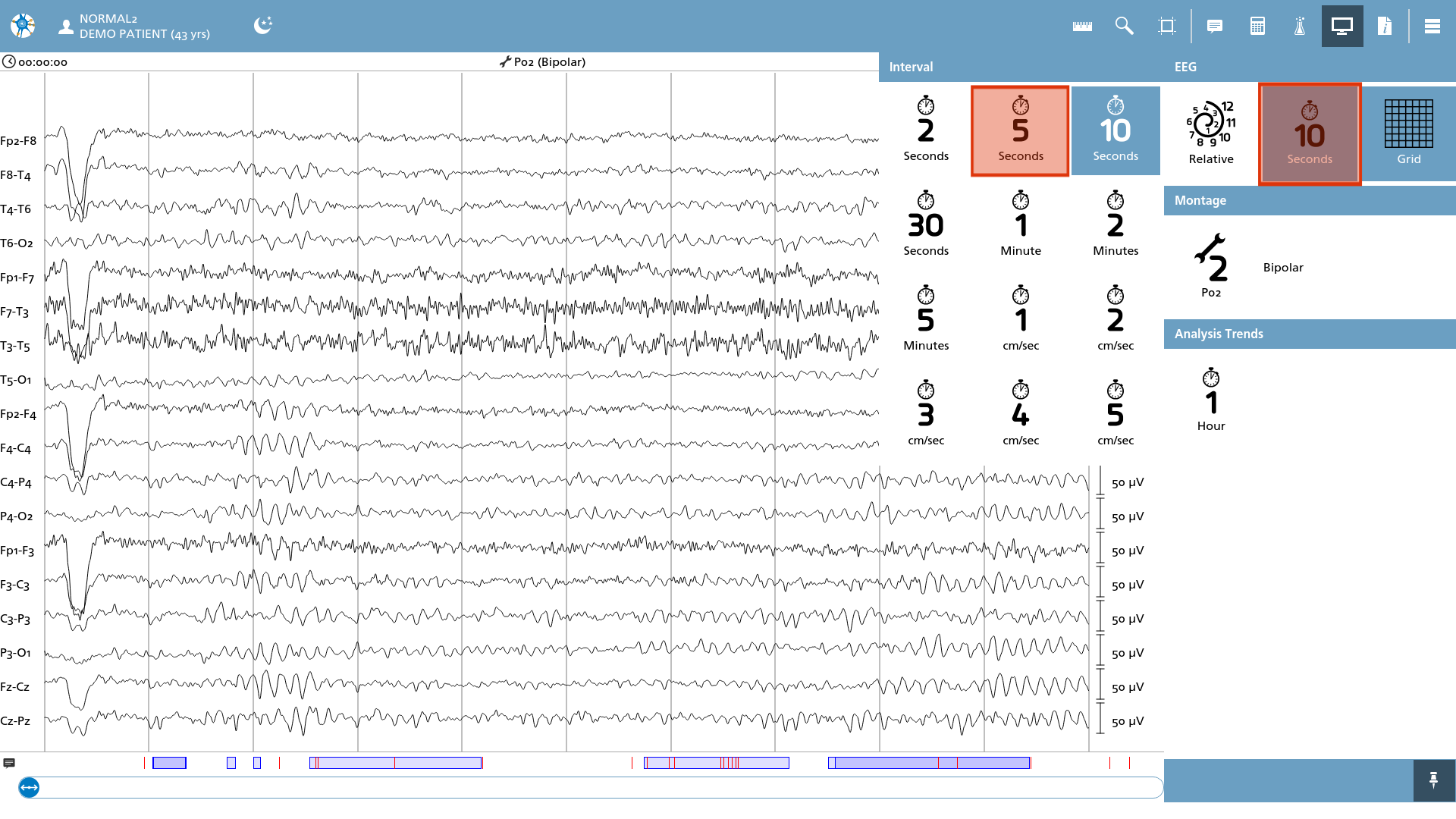
An overlay displaying potential intervals appears, and we proceed to select ‘5 Seconds’ from the available options.
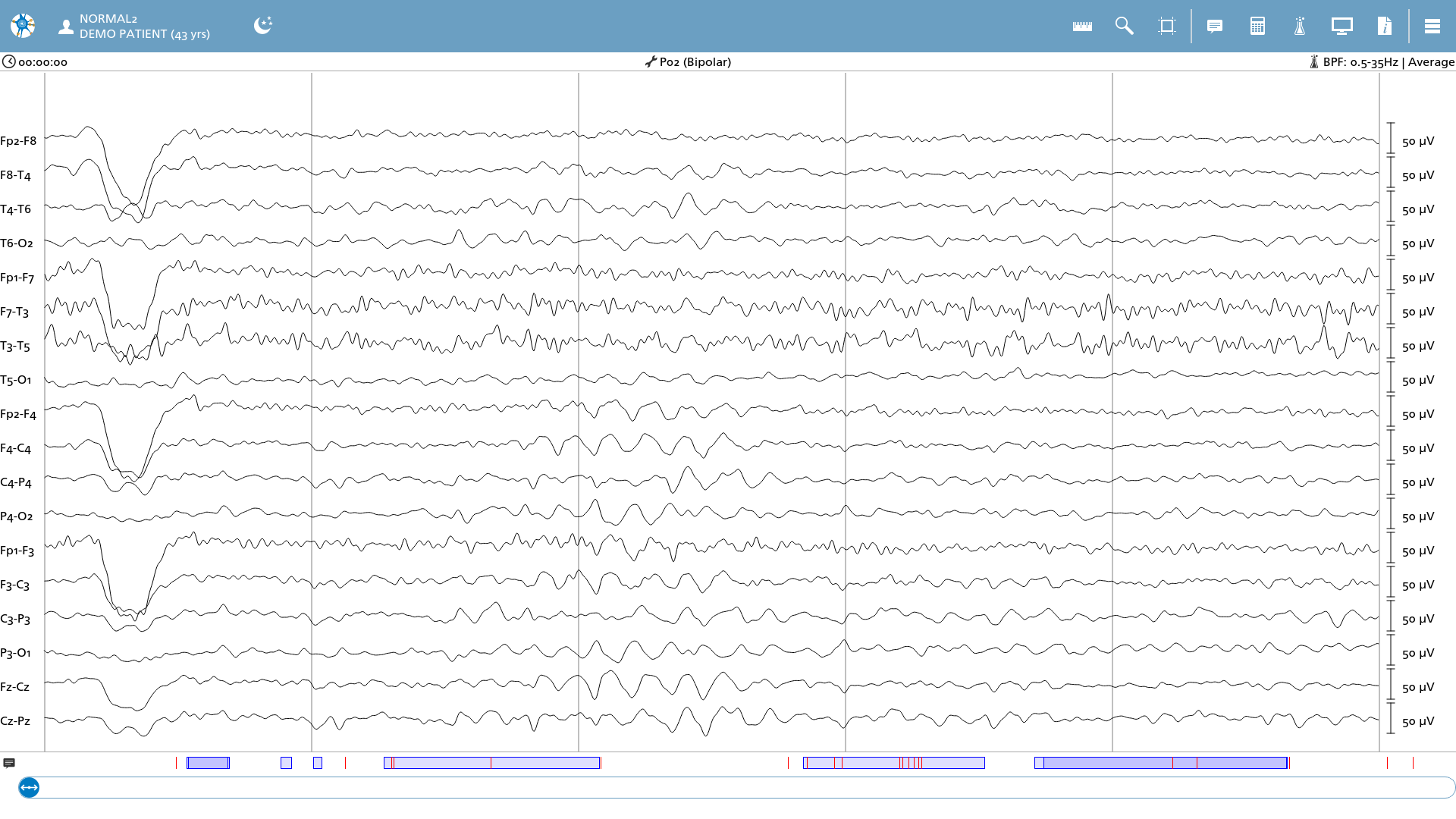
The electroencephalogram (EEG) is currently displayed over a 5-second interval. A similar operation can be conducted on the montage. Let us transition to montage 5, which utilizes a Laplacian montage configuration.
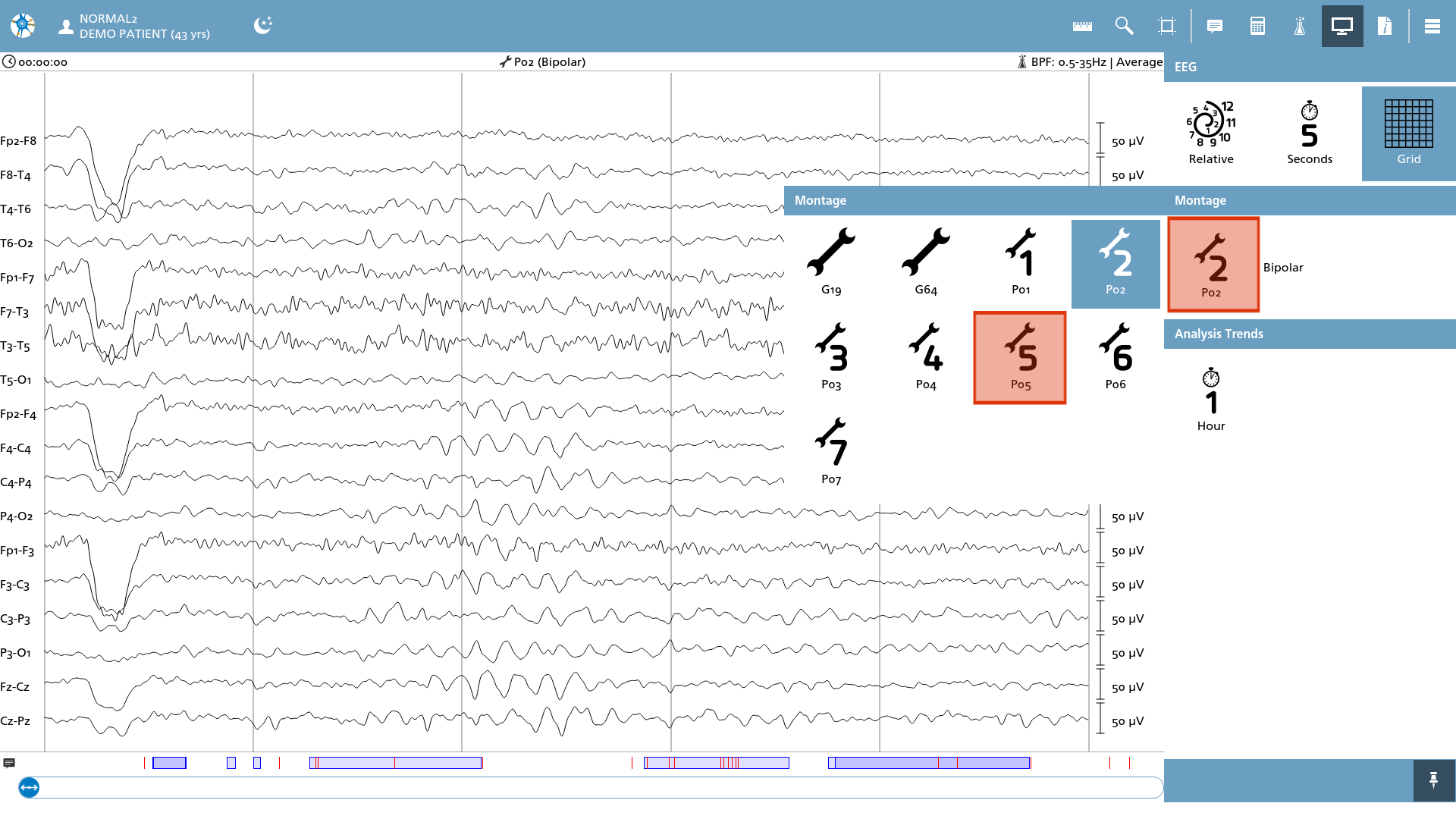
The montage is now switched to a Laplacian montage.
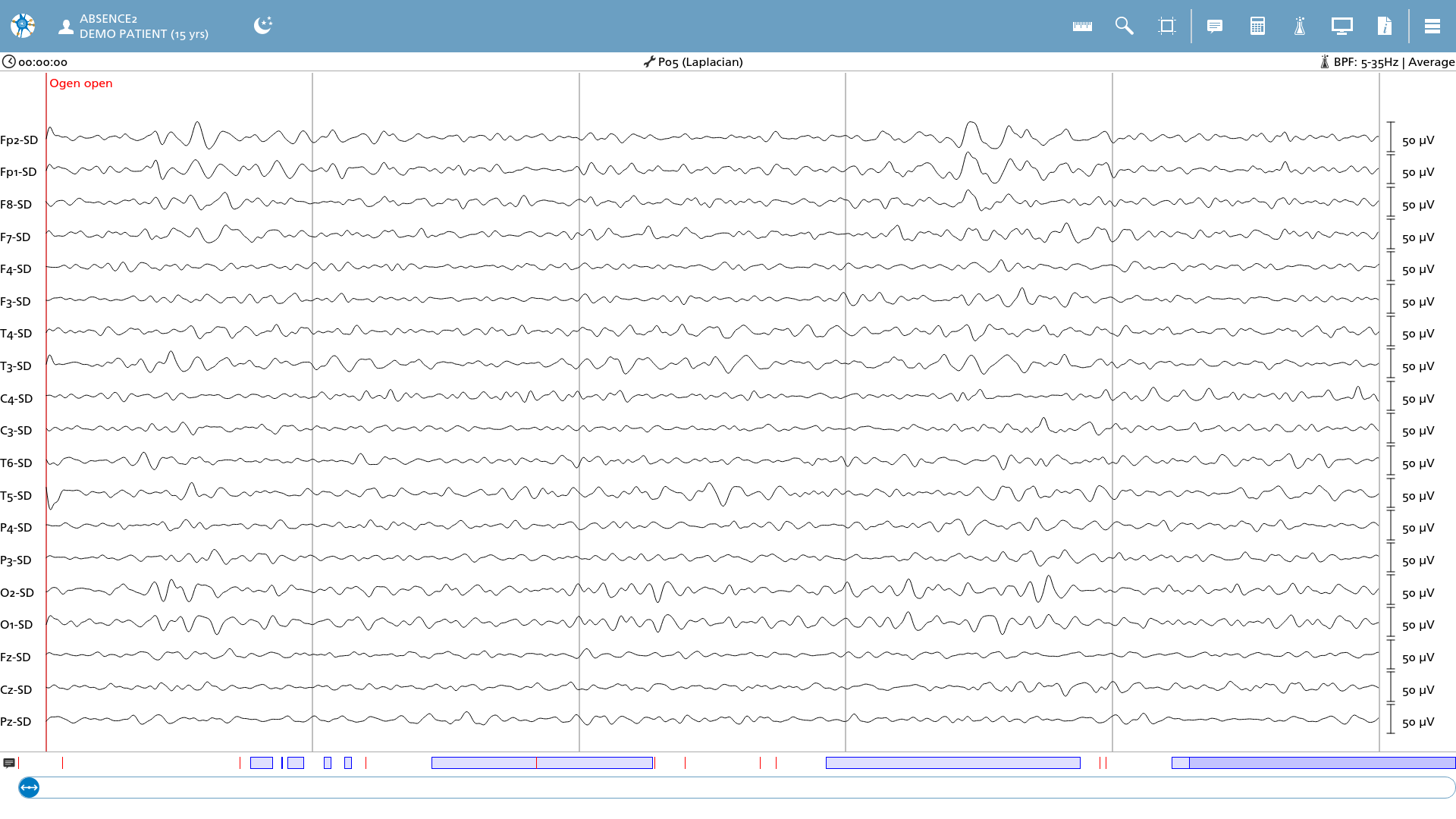
Montages can be modified by utilizing numerals on the keyboard, which serve as shortcut keys. For instance, one can transition to the Laplacian montage by pressing '5' on the keyboard.